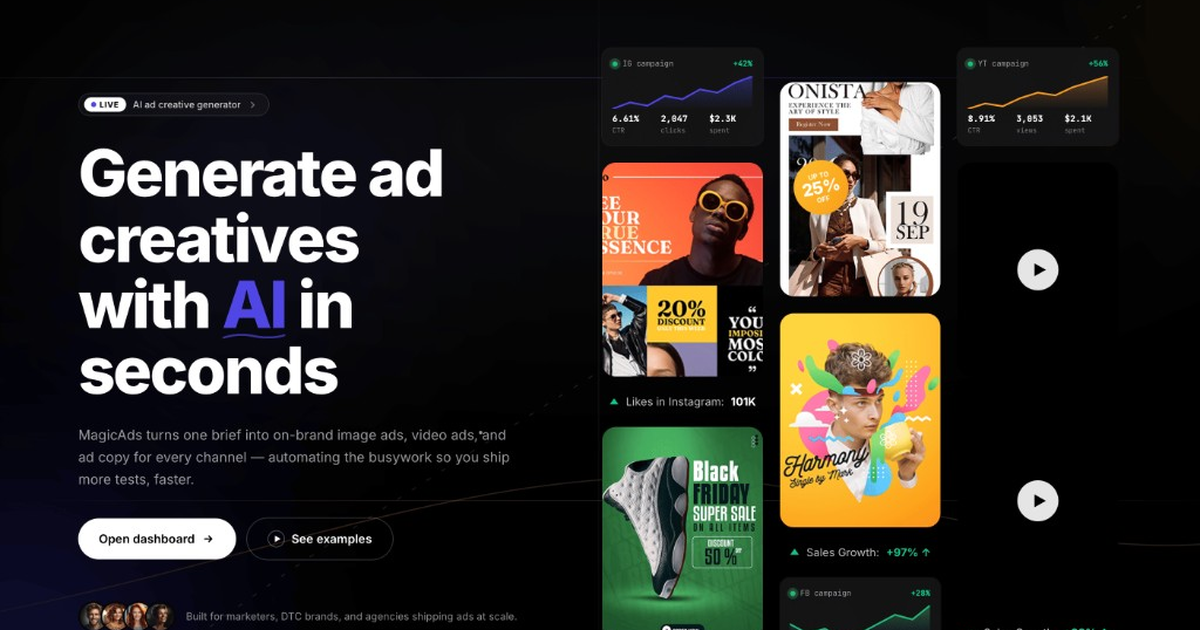
Producing ad creative used to mean briefing a designer, waiting days, and shipping a single format. An AI ad creative generator collapses that loop: you describe the offer once, and the tool renders image ads, video ads, and ad copy across every platform size in seconds.
1. Start with a tight brief
Tell the studio three things: the offer, the audience, and the tone. One or two sentences is enough. You can also paste a product URL and let the AI infer the angle.
2. Lock your brand
Upload your logo, fonts, and palette into a brand kit once. Every generation respects those rules, so output stays on-brand without manual cleanup — critical when you are testing dozens of variants.
3. Pick your canvases
Choose the platforms you advertise on — Meta, Instagram, TikTok, YouTube, LinkedIn, Google Display — or render every aspect ratio at once. This is where AI ad automation saves the most time.
4. Generate, review, remix
Preview all sizes side by side, keep the winners, and remix the rest. Export production-ready files with captions and drop them straight into your ad manager.
Why it works
More creative shipped means more tests, and more tests means faster learning. Teams that automate creative generation consistently out-iterate competitors stuck in manual workflows.

Comments (0)
Be the first to leave a comment.